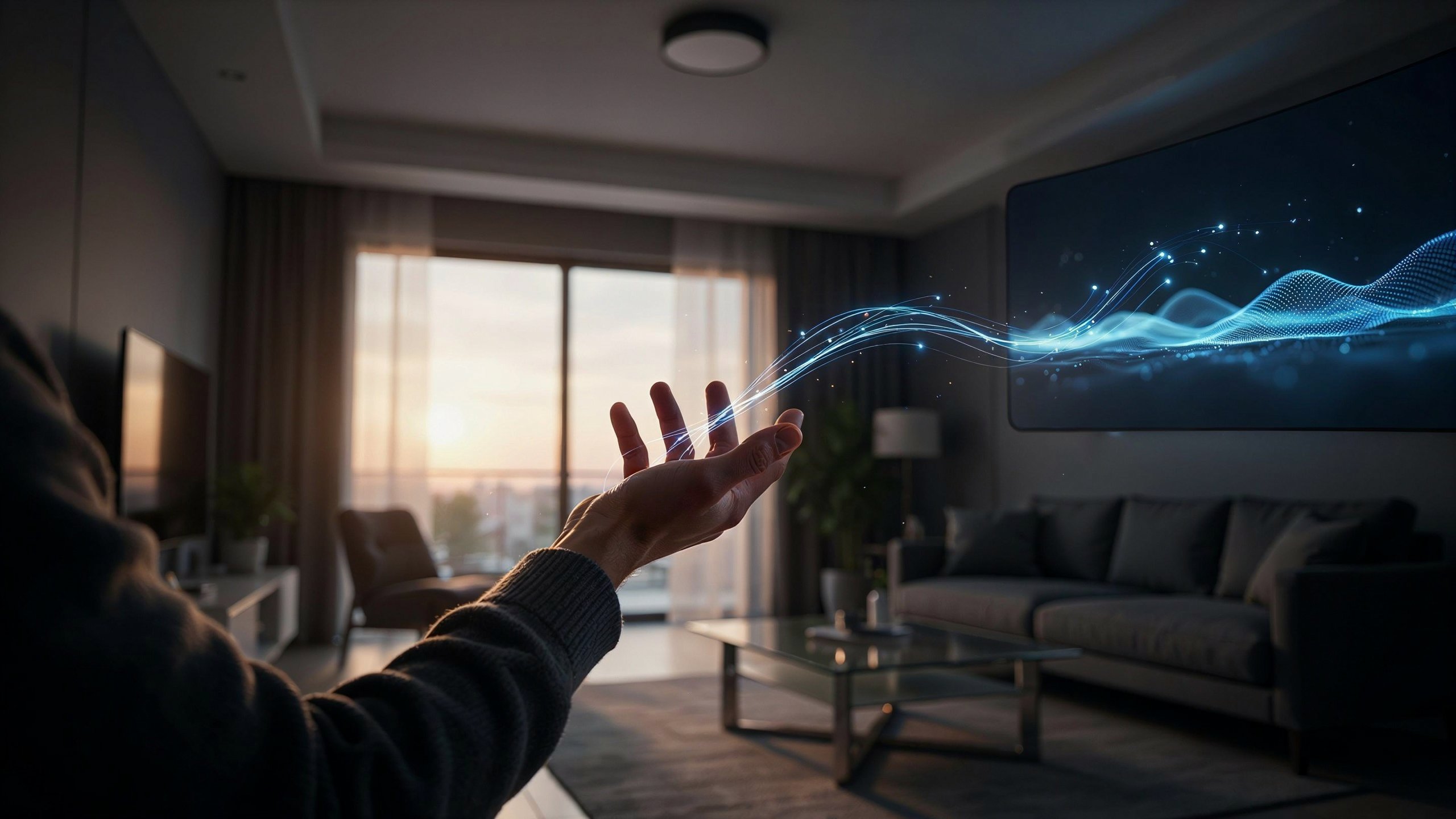
Gesture recognition technology lets devices understand and respond to human body movements, especially hand and finger gestures, without needing a mouse, keyboard, or touch. It uses sensors, cameras, and software to detect motion, interpret it, and turn it into a command a computer can act on.
If you’ve ever waved at a smart TV to change the volume or used hand movements to control a game character, you’ve already experienced this technology in action.
In this guide, you’ll learn how gesture recognition works, where it’s used, the steps behind the process, common problems, and answers to the most asked questions about it.
Quick Answer
Gesture recognition technology allows machines to detect and interpret human movements, usually hand or body gestures, using cameras, sensors, or radar. The system captures the motion, processes it with software or AI models, and converts it into an action, like scrolling a screen, controlling a device, or triggering a command. It’s widely used in smartphones, gaming, smart TVs, cars, and virtual reality systems.
What Is Gesture Recognition Technology?
Gesture recognition technology is a branch of human-computer interaction (HCI) that focuses on identifying human gestures and translating them into digital instructions.
Instead of pressing buttons or tapping a screen, users simply move their hands, fingers, or body, and the system reacts accordingly.
This technology combines several fields, including computer vision, machine learning, and sensor engineering, to make movement-based control possible.
Why It Matters
Gesture recognition makes technology feel more natural and accessible. It reduces the need for physical contact, which is helpful in situations like:
- Public kiosks where hygiene matters
- Hands-free control while driving
- Accessibility tools for people with limited mobility
- Immersive gaming and virtual reality experiences
How Gesture Recognition Technology Works
At its core, gesture recognition follows a simple process: capture, analyze, and respond.
1. Capturing the Movement
Devices use tools like cameras, infrared sensors, radar, or depth sensors to record hand or body movement in real time.
2. Processing the Data
The captured data is analyzed using algorithms or AI models. These models identify patterns, such as the shape of a hand or the direction of movement.
3. Interpreting the Gesture
Once a pattern is recognized, the software matches it to a predefined command, like “swipe left” or “zoom in.”
4. Executing the Action
Finally, the device performs the action linked to that gesture, such as changing a screen, adjusting volume, or moving an on-screen object.
Where Gesture Recognition Technology Is Used
Gesture recognition isn’t just a futuristic idea anymore. It’s already part of everyday tech in several industries.
- Smartphones and tablets – Air gestures for answering calls or taking screenshots
- Gaming consoles – Motion-based controls for more interactive gameplay
- Smart TVs – Hands-free navigation and volume control
- Automobiles – Controlling infotainment systems without touching the dashboard
- Virtual and Augmented Reality (VR/AR) – Natural hand movement for immersive experiences
- Healthcare – Touch-free control in sterile environments like operating rooms
- Smart home devices – Controlling lights or appliances with simple hand movements
Gesture Recognition vs. Touch Technology
| Feature | Gesture Recognition | Touch Technology |
| Contact Needed | No | Yes |
| Hygiene Friendly | Yes | Limited |
| Learning Curve | Slightly higher | Very low |
| Best For | Hands-free control | Direct interaction |
Both technologies serve different purposes, and many modern devices now combine them for a smoother user experience.
Step-by-Step Guide: How Devices Recognize a Gesture
If you’re curious about what actually happens behind the scenes when you make a gesture, here’s a simplified breakdown:
- Sensor activation – The camera or sensor turns on and starts scanning the area.
- Motion detection – The system detects movement within its range.
- Feature extraction – It identifies key points, like fingers, palm shape, or hand position.
- Pattern matching – The software compares the movement to known gesture patterns.
- Command execution – Once matched, the device performs the linked action.
- Feedback display – Many devices show a visual or sound cue to confirm the gesture was recognized.
This entire process usually happens within a fraction of a second, which is why gesture-based control can feel instant.
Common Problems or Mistakes
Even though gesture recognition technology is impressive, users and developers often run into a few common issues.
1. Poor Lighting Conditions Cameras struggle to detect gestures accurately in dim or overly bright environments. Fix: Use devices in well-lit areas or choose sensors designed for low-light performance.
2. Too Much Background Movement Cluttered or busy backgrounds can confuse gesture sensors. Fix: Keep the gesture area clear and minimize unnecessary motion nearby.
3. Inconsistent Hand Positioning Users often move too fast or hold gestures at odd angles, causing misreads. Fix: Perform gestures slowly and within the recommended detection zone.
4. Overestimating Accuracy Some assume gesture control will always be perfectly accurate, but no system is flawless yet. Fix: Combine gesture control with backup input methods, like voice or touch, when precision matters.
Helpful Tips for Using Gesture Recognition Technology
- Stay within the sensor’s recommended range for better accuracy.
- Avoid wearing gloves or accessories that cover your hand shape, as they may block detection.
- Update your device’s software regularly, since gesture recognition often improves through updates.
- If a gesture isn’t working, try a slower and more deliberate movement.
- Check your device manual for supported gestures, as commands vary between products.
Frequently Asked Questions
1. What is gesture recognition technology used for?
It’s used to control devices without touching them, such as smart TVs, phones, gaming systems, cars, and VR headsets.
2. Does gesture recognition require special hardware?
Yes, most systems need cameras, infrared sensors, or depth sensors to detect movement accurately.
3. Is gesture recognition the same as motion detection?
Not exactly. Motion detection simply notices movement, while gesture recognition identifies specific, meaningful gestures and turns them into commands.
4. Can gesture recognition work in the dark?
Some advanced sensors, like infrared-based systems, can work in low light, but standard cameras usually need decent lighting.
5. Is gesture recognition technology accurate?
Accuracy has improved a lot, but it can still be affected by lighting, background clutter, or unclear hand movements.
6. What industries benefit most from gesture recognition?
Gaming, healthcare, automotive, smart home, and virtual reality industries benefit the most due to their need for hands-free interaction.
7. Will gesture recognition replace touchscreens?
It’s unlikely to fully replace touchscreens. Instead, it’s expected to work alongside touch and voice controls for a more flexible user experience.
Conclusion
Gesture recognition technology is changing how people interact with devices by making control more natural, hands-free, and accessible. From smartphones to smart cars and VR headsets, this technology is steadily becoming part of everyday life.
Understanding how it works, where it’s used, and how to avoid common mistakes can help you get the most out of gesture-based devices. As sensors and AI models continue to improve, gesture recognition is likely to become even smoother and more reliable in the years ahead.
If you’re exploring smart devices or planning to build gesture-based features into a product, start by understanding your users’ environment and needs, since that’s the key to smooth gesture interaction.
Author: Muhammad Ahmad
M. Ahmad is an SEO and GEO Specialist and the Founder of TechXora.org. With 3+ years of experience in digital marketing, he helps websites grow through SEO, GEO, content creation, and online marketing.
He writes about technology, AI tools, WordPress, web hosting, cybersecurity, and SEO. Through TechXora.org, he shares easy-to-follow guides, useful tips, and the latest tech updates to help readers learn and grow online.
Also Read: