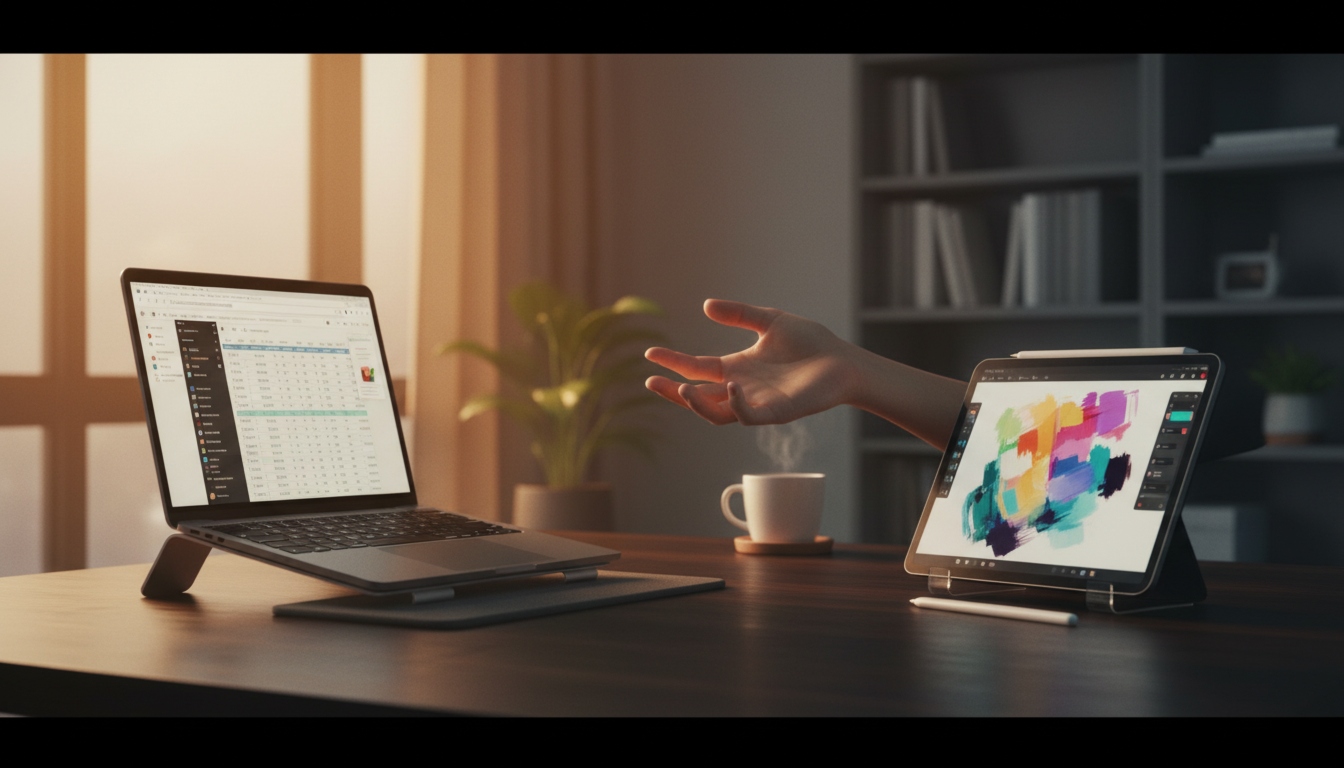
You have both a laptop and an iPad sitting on your desk — and somehow you still end up wondering which one to grab. You’re not alone. Millions of people own both but feel like they’re not using either one to its full potential.
The short answer? Your laptop is built for creating, your iPad is built for consuming and light tasks. But there’s a lot of nuance in between, and once you understand where each device truly shines, switching between them feels effortless.
Quick Answer
Use your laptop when you need to write documents, code, edit spreadsheets, manage files, or do anything that requires serious multitasking. Use your iPad for reading, watching videos, casual browsing, drawing, video calls, note-taking in meetings, and anything where a touchscreen feels more natural. Both are powerful — the key is matching the right tool to the right job.
What a Laptop Does Better
A laptop is a full computer. That matters more than people realize.
When your work involves running heavy software, switching between many apps, or dealing with complex files, a laptop handles it without breaking a sweat. Here’s where it pulls ahead:
Work That Needs Real Power
- Writing long documents or reports — keyboard shortcuts, spell check, formatting tools, and a physical keyboard you can actually type on for hours
- Spreadsheets and data work — Excel or Google Sheets on a laptop is a completely different (and far more capable) experience than on iPad
- Coding and development — most developers use a laptop or desktop; terminal access, extensions, and IDE support are significantly better
- Video and photo editing — software like Premiere Pro, DaVinci Resolve, or Lightroom runs best on a laptop
- File management — organizing folders, moving files between drives, downloading and extracting — all smoother on a laptop
- Multitasking — running five browser tabs, a music app, a Word doc, and a messaging app at the same time without slowdowns
Connecting Things
Laptops also win when you need to plug things in. External monitors, USB drives, SD cards, printers — most laptops handle all of this natively. iPads are catching up, but they still require adapters and workarounds for many standard tasks.
What an iPad Does Better
An iPad isn’t trying to replace your laptop — and that’s exactly what makes it useful.
It excels in situations where you want something lightweight, fast to pick up, and comfortable to use without a desk.
Tasks Where iPad Feels More Natural
- Reading articles, books, or PDFs — the screen size and touch scrolling make this genuinely enjoyable
- Watching videos and streaming — the display quality on modern iPads is excellent, and holding it in your hands beats hunching over a laptop on the couch
- Note-taking with Apple Pencil — if you sketch ideas, annotate documents, or like handwritten notes, nothing beats the Pencil on an iPad
- Video calls from anywhere — the front camera on iPads is well-positioned for this; great for quick calls without setting up a full workspace
- Digital art and design sketching — Procreate and similar apps turn the iPad into a proper drawing tablet
- Presentations and demos — holding an iPad while walking a client through slides feels natural and professional
- Casual browsing before bed — lighter, quieter, and easier on the eyes than a laptop at night
Step-by-Step: How to Decide Which Device to Grab
Use this simple decision flow when you’re not sure which to reach for:
Step 1: Ask yourself — Am I creating something or consuming something?
- Creating (writing, coding, editing) → Laptop
- Consuming (reading, watching, browsing) → iPad
Step 2: Check how long you’ll be working.
- More than an hour of focused work → Laptop (better keyboard, posture, multitasking)
- Quick 15–30 minute session → iPad (faster to pick up and go)
Step 3: Do you need specific software?
- If the app or program only exists on Mac/Windows → Laptop
- If it’s available on iOS and touch makes it better → iPad
Step 4: Where are you?
- At a desk or table → Laptop
- On the couch, in bed, traveling, or in a meeting → iPad
Following these four steps handles about 90% of real-world decisions.
Common Mistakes People Make
Forcing the iPad to Do Laptop Work
The iPad can handle Google Docs and light writing, but if you’re spending two hours on a complex report, you’ll fight the keyboard, the autocorrect, and the limited window management the whole time. Use the right tool and save yourself the frustration.
Only Using the Laptop for Everything
Some people leave the iPad charging in a drawer and wonder why they bought it. If you’re reading long articles, watching tutorials, or sketching ideas — the iPad genuinely makes that experience better. Don’t ignore it.
Not Setting Up Apple Pencil (If You Have One)
The Apple Pencil changes how useful the iPad is for notes and diagrams. If you bought one and haven’t set it up properly, or haven’t developed a habit of using it in meetings, you’re missing one of the iPad’s biggest strengths.
Buying the Wrong iPad for the Job
If you bought a basic iPad hoping it would replace your laptop — it probably won’t. The iPad Pro with a Magic Keyboard gets closer to laptop territory, but it’s still not a full replacement for most professional workflows. Know what you’re buying before you buy it.
Helpful Tips to Get More From Both Devices
- Use AirDrop to move files quickly between your iPad and Mac laptop. It’s faster than emailing yourself things.
- Keep iPad charged and accessible — if you have to plug it in and wait, you’ll just default to the laptop even when the iPad would be better.
- Set the iPad as your “reading device” by adding Pocket, Instapaper, or just a Safari reading list. Train yourself to read long content there.
- Use Sidecar (on Mac) to turn your iPad into a second screen for your laptop — this extends your workspace without buying a separate monitor.
- Invest in a good stand for your iPad if you use it for video calls. It makes the whole experience more professional and comfortable.
Frequently Asked Questions
1.Can an iPad fully replace a laptop?
For most people, no. An iPad can handle light work, but professional tasks like software development, complex spreadsheets, or running full desktop applications still need a laptop. Some users with very basic needs can get by with just an iPad, but they’re in the minority.
2.Is an iPad good for students?
Yes, especially for note-taking, reading textbooks, and attending online classes. But students who write a lot of essays or need Microsoft Office features will still benefit from a laptop alongside it.
3.What if I can only afford one device?
Get a laptop. It covers more use cases and gives you access to full software. An iPad is a great companion device, but a laptop alone is more versatile for work, school, and daily tasks.
4.Can I use a keyboard with my iPad?
Yes. You can use Apple’s Magic Keyboard for iPad or any Bluetooth keyboard. This makes typing much more comfortable, though it still doesn’t fully replicate the laptop experience.
5.Is the iPad Pro worth it over a regular iPad?
If you do professional-level creative work (video editing, digital illustration, music production), the iPad Pro’s performance and display are worth it. For casual use, the standard iPad or iPad Air is more than enough.
6.Which is better for travel?
The iPad wins for travel. It’s lighter, has better battery life in most cases, and is more comfortable to use in tight spaces like airplane seats. Pack a laptop only if you know you’ll need to do serious work.
7.Can I do video editing on an iPad?
Yes, apps like LumaFusion and even iMovie on iPad are genuinely capable. But for professional-level editing with complex timelines and effects, a laptop still gives you more control and raw power.
Conclusion
The question of what you should use your laptop vs iPad for comes down to one simple idea: laptops are for doing, iPads are for experiencing. When you’re deep in work — writing, building, analyzing — your laptop is the right call. When you’re learning, relaxing, sketching, or on the move, your iPad fits the moment better.
You don’t have to choose one over the other. The real win is learning to use both without thinking twice. Start with the four-step decision flow above, build the habit, and you’ll get twice the value out of devices you already own.
Author: Muhammad Ahmad
M. Ahmad is an SEO and GEO Specialist and the Founder of TechXora.org. With 3+ years of experience in digital marketing, he helps websites grow through SEO, GEO, content creation, and online marketing. He writes about technology, AI tools, WordPress, web hosting, cybersecurity, and SEO. Through TechXora.org, he shares easy-to-follow guides, useful tips, and the latest tech updates to help readers learn and grow online.
Also Read: