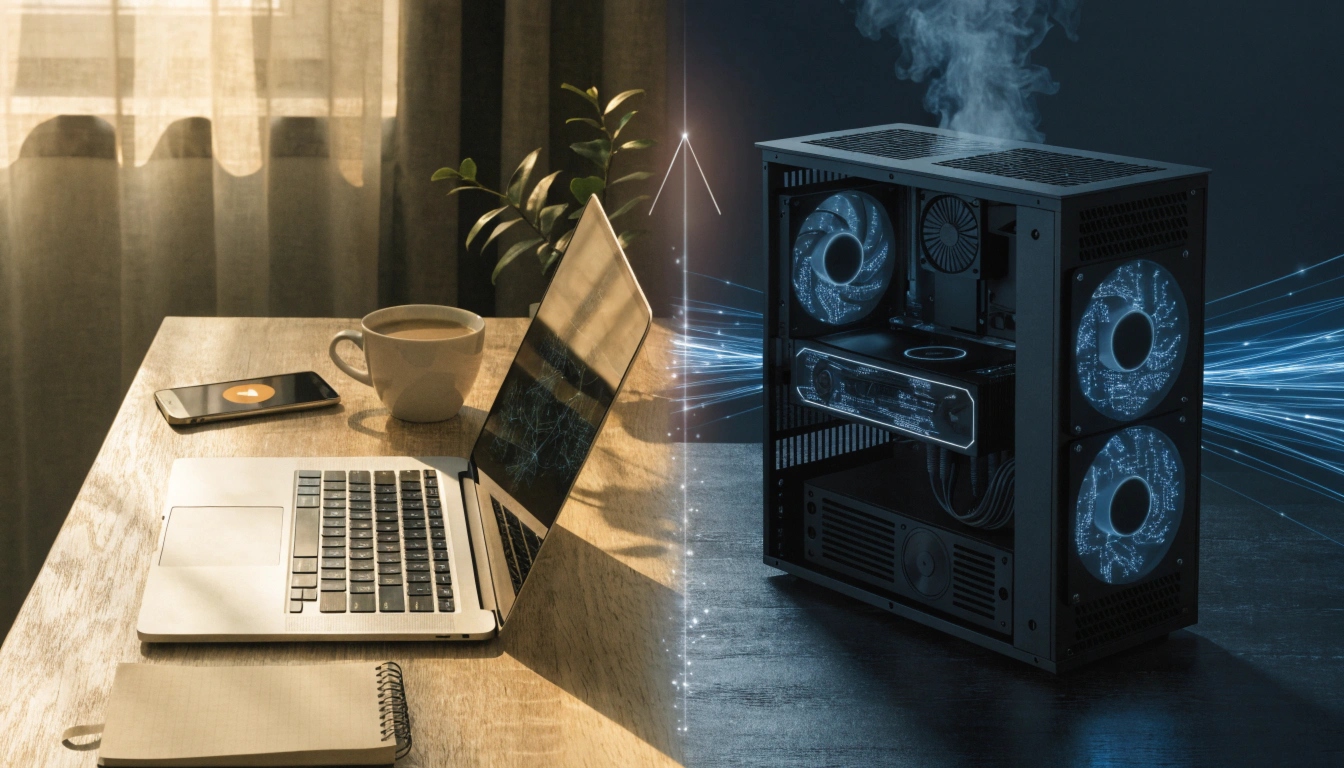
If you’re trying to run AI tools, train models, or just future-proof your setup, you’ve probably run into this question: should you buy an AI laptop or invest in a dedicated GPU? The short answer is that AI laptops are built for convenience and everyday AI-assisted tasks, while GPUs are built for raw processing power needed in heavier AI workloads. Which one is right for you depends on what you’re actually trying to do.
This guide breaks down the differences in plain language, so you can make a confident decision without getting lost in technical jargon.
Quick Answer
AI laptops come with built-in chips (like NPUs) designed to handle light AI tasks efficiently, such as photo editing, voice assistants, and background blur in video calls. GPUs, especially dedicated ones, are far more powerful and are meant for demanding AI work like training machine learning models, running large language models locally, or doing heavy graphics rendering. If you’re a casual user or professional needing portability, an AI laptop is likely enough. If you’re a developer, researcher, or heavy AI user, you’ll probably need a strong GPU.
What Is an AI Laptop?
An AI laptop is a regular laptop that includes a special chip called an NPU, or Neural Processing Unit. This chip is designed specifically to handle AI-related tasks without draining the battery or overworking the main processor.
Think of an NPU as a helper that takes care of small, everyday AI jobs quietly in the background. It’s not meant to replace a powerful graphics card. Instead, it makes your laptop smarter and more efficient at things you already do.
What AI Laptops Are Good At
AI laptops shine when it comes to lightweight, everyday AI features. Common examples include:
- Smarter photo and video editing tools
- Real-time translation and captions
- Improved video call quality, like background noise removal
- Faster battery-efficient performance for AI-based apps
- Basic AI writing or productivity assistants
These tasks don’t require massive computing power, so the built-in NPU handles them smoothly without needing an external graphics card.
What Is a GPU, and Why Does It Matter for AI?
A GPU, or Graphics Processing Unit, was originally designed for rendering images and video games. Over time, people discovered that GPUs are also excellent at handling the kind of math used in AI and machine learning.
Unlike an NPU, a GPU can process massive amounts of data at once. This makes it essential for tasks that involve training AI models, running large datasets, or working with complex neural networks.
What GPUs Are Good At
GPUs are the go-to choice for serious AI work, including:
- Training machine learning or deep learning models
- Running large language models locally
- Working with large datasets for research or analysis
- 3D rendering, video editing, and animation
- Gaming and other graphics-heavy applications
If your work involves any kind of heavy computation, a GPU will almost always outperform the AI features built into a laptop.
AI Laptops vs GPUs: Key Differences Explained
Performance Level
AI laptops are built for efficiency, not raw power. Their NPUs are great for small, repetitive AI tasks but can’t compete with a dedicated GPU when it comes to heavy processing.
GPUs, on the other hand, are built purely for performance. They can handle intense workloads that would slow down or overwhelm a typical laptop’s NPU.
Portability vs Power
AI laptops are portable, lightweight, and convenient. You can carry them anywhere and still get smart, AI-enhanced performance for daily tasks.
GPUs, especially high-end ones, are usually part of a desktop setup. They’re bulkier, need more cooling, and aren’t something you casually carry around.
Power Consumption
NPUs in AI laptops are designed to save battery life. They complete AI tasks using very little energy, which is ideal for people who need their laptop to last through a full day.
GPUs, especially powerful ones, consume more electricity and generate more heat, which is why they’re often paired with strong cooling systems in desktops or high-performance laptops.
Cost Considerations
AI laptops are generally more budget-friendly since the NPU is already built into the device. A dedicated GPU setup, especially for serious AI work, can be a bigger investment depending on the performance level you need.
Step-by-Step Guide: How to Choose Between an AI Laptop and a GPU
- Identify your main use case. Are you doing everyday tasks like writing, editing, or video calls, or are you training AI models and working with large datasets?
- Consider your mobility needs. If you need to work on the go, an AI laptop offers more flexibility.
- Check your workload size. Small, quick AI tasks are fine on a laptop’s NPU. Large, complex tasks usually need a GPU.
- Think about long-term goals. If you plan to grow into more advanced AI work, investing in a GPU-capable setup may save you from upgrading again soon.
- Set a realistic budget. Decide how much you’re willing to invest based on how serious or frequent your AI work will be.
- Test before you commit. If possible, try out an AI laptop’s features first to see if they meet your needs before spending more on a GPU setup.
Common Problems or Mistakes
Assuming an AI laptop can handle heavy AI training. Many users buy an AI laptop expecting it to train models like a GPU would. NPUs simply aren’t built for that level of processing.
Overspending on a GPU you don’t need. If you only use AI tools for basic tasks, a high-end GPU may be unnecessary and add extra cost without real benefit.
Ignoring cooling and power requirements. Powerful GPUs generate heat and need proper ventilation. Skipping this can lead to performance issues over time.
Not checking software compatibility. Some AI tools work better with specific GPU brands or setups, so it’s worth confirming compatibility before buying.
Helpful Tips
- Match your hardware to your actual workload, not just what sounds impressive.
- If you’re unsure, start with an AI laptop and upgrade to a GPU setup later if needed.
- Keep your laptop or GPU drivers updated for the best AI performance.
- Consider cloud-based GPU options if you need power occasionally but don’t want to invest in expensive hardware.
- Read reviews focused on real-world AI performance, not just specifications.
Frequently Asked Questions
Q1. Do I need a GPU if I already have an AI laptop?
Not necessarily. If your tasks are light, like editing photos or using AI writing tools, your AI laptop’s NPU should be enough.
Q2. Can AI laptops replace GPUs completely?
No. AI laptops are designed for efficiency and everyday tasks, not for heavy AI training or large-scale data processing.
Q3. Is an NPU the same as a GPU?
No. An NPU is optimized for lightweight AI tasks, while a GPU is designed for much more intensive processing.
Q4. Which is better for gaming, an AI laptop or a GPU?
A dedicated GPU is generally better for gaming, since gaming relies heavily on graphics processing power.
Q5. Are AI laptops worth buying in 2025?
Yes, especially if you want better efficiency for everyday AI features without needing a separate graphics card.
Q6. Can I upgrade a laptop’s GPU later?
Most laptops don’t allow GPU upgrades, so it’s important to choose the right specs when purchasing.
Q7. What’s the best option for AI beginners?
An AI laptop is usually the best starting point for beginners, since it’s affordable, portable, and handles common AI tasks well.
Conclusion
When comparing AI laptops vs GPUs, the right choice really comes down to what you need to accomplish. AI laptops are perfect for everyday convenience, portability, and lighter AI-powered features. GPUs are essential for serious AI work, like training models or handling large datasets. Take a moment to think about your workload, budget, and long-term goals, and you’ll be able to choose the option that fits your needs without overspending or underpowering your setup.
Author:
M. Ahmad is an SEO and GEO Specialist and the Founder of Careerzon.org, a platform dedicated to career development and professional growth. He helps readers navigate job searching, resume building, career planning, and skill development through clear, practical, and easy-to-follow guidance. Combining his SEO and GEO expertise with a focus on career content, M. Ahmad ensures Careerzon.org delivers helpful, people-first advice that’s easy to find and easy to understand — whether you’re searching on Google or asking an AI assistant.
How to Hook Up a Laptop to Two Monitors (Easy Guide)
13 Inch Laptop vs A4 Paper: Which Is Bigger?
How to Get the Serial Number of a Laptop (Easy Ways)